
What Protocols Actually Do When You Load a Page
(7 minutes) | Every layer has a defined responsibility. Learn how to trace failures precisely.

Sonar Summit: A Global Conversation on Building Better Software in the AI Era
Presented by Sonar

The question isn’t whether to use AI. It’s how to adopt it without quietly increasing risk and degrading code quality. That shift is exactly why conversations about software quality in the AI era matter right now.
This is exactly the kind of conversation happening at Sonar Summit. It’s free and open to the community. If you want to stay sharp in the current landscape, this is a valuable space to learn how others are approaching it.
The lineup includes well-known leaders in the engineering space.
What Protocols Actually Do When You Load a Page
You don’t “just” load a web page.
Behind every click, a small crowd of network protocols is involved, each doing one very specific job so the whole thing doesn’t fall apart.
Each protocol knows its role.
And the moment you understand how they fit together, debugging shifts from frantic guesswork to methodical investigation.
1. Joining the Network → Physical & Data Link Layers
Before your device can reach the wider internet, it has to join a local network. That requires both a physical connection and a way to talk to nearby devices.
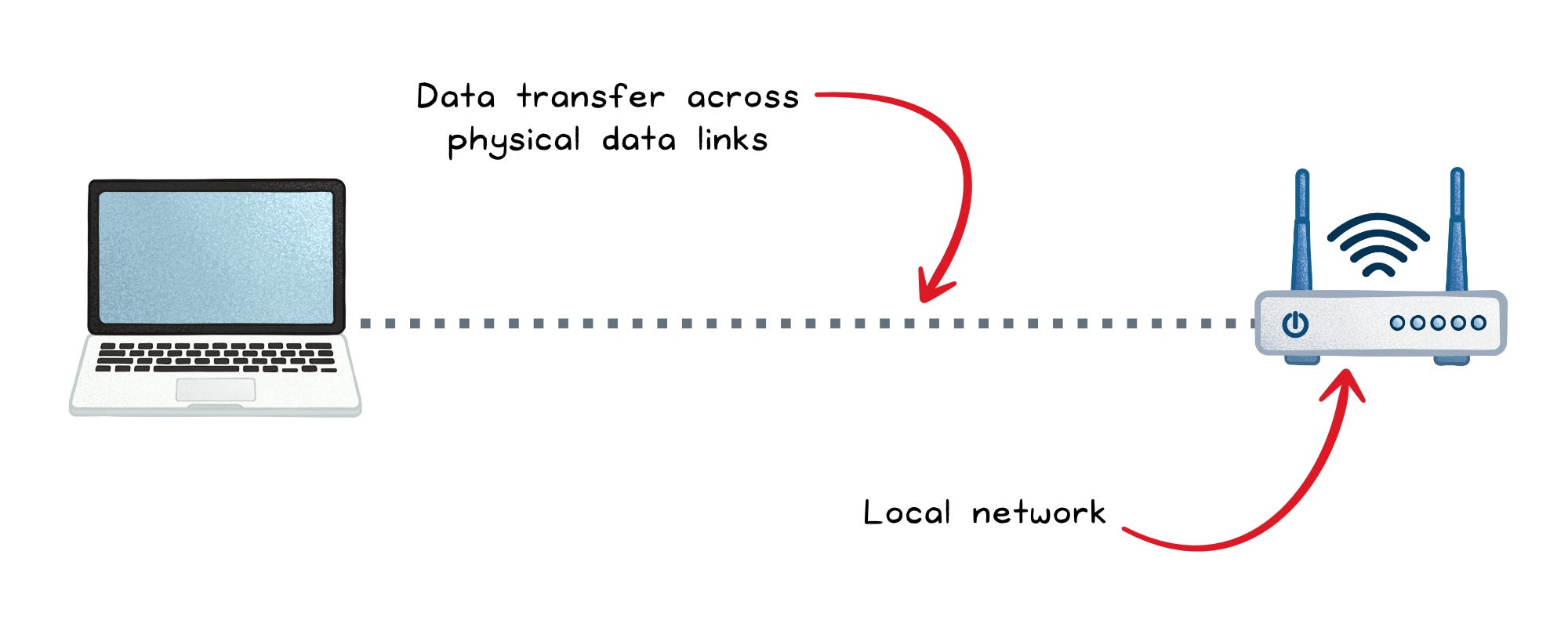
Ethernet → Wired physical & data link layers
Ethernet defines how bits travel over copper or fiber and how frames identify sender and receiver using MAC addresses. It’s stable, fast, and predictable; ideal in data centers or offices where performance matters more than mobility.
Wi-Fi → Wireless physical & data link layers
Wi-Fi carries the same type of frames, but over radio instead of wires. The convenience costs you some consistency, because radio waves are subject to interference, congestion, and range limitations.
ARP → Data link layer address resolution
You can’t talk to another device using its IP address alone. The data link layer wants a MAC address. ARP fills that gap by asking, “Who has this IP?” Local devices respond with the matching MAC. Without ARP, communication would stall on your very first hop.
DHCP → Application layer using network-layer concepts
Once you join a network, DHCP assigns your IP address, subnet mask, gateway, DNS servers, and lease duration. It removes the burden of manual configuration and ensures no two devices collide on the same IP.
When something breaks here:
If you see “No IP address” or 169.254.x.x self-assigned IPs, the DHCP server didn’t respond or the broadcasts didn’t reach it.
If you can’t ping your gateway, the wireless signal may be weak, the cable faulty, or ARP resolution may be incorrect.
If the connection keeps dropping, look for Wi-Fi interference, bad cables, or a failing switch port.
At this stage, failures tend to feel blunt: no internet, unstable connection, or outright inability to join the network.
2. Figuring out where to go → Network & application layers
You’re now connected locally, but the website you want isn’t in your living room. Your device needs two things: a destination IP and a way to reach it.
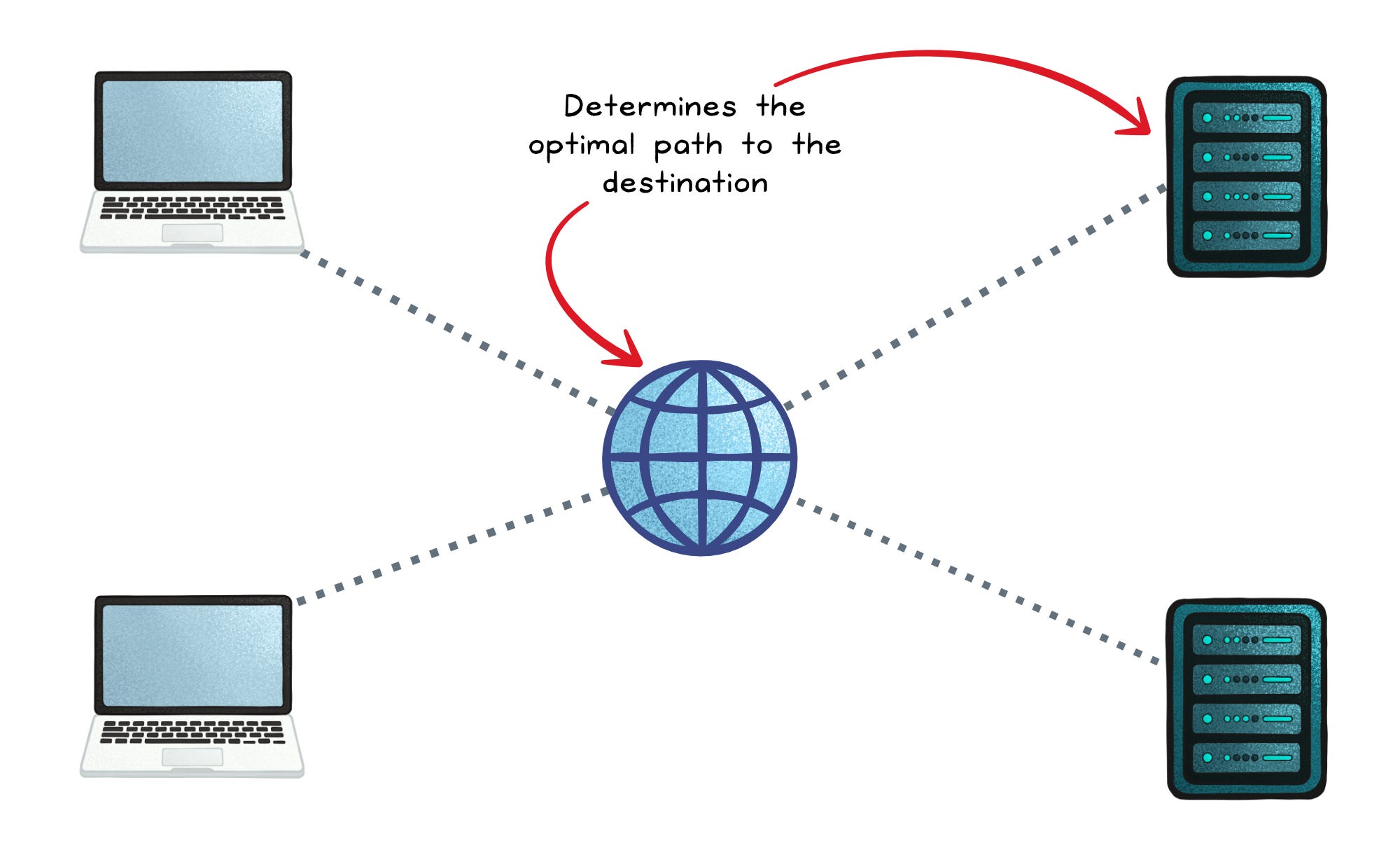
DNS → Application layer name resolution
Humans like words; machines like numbers. DNS translates www.example.com into an IP address the network layer can route. If DNS fails, everything above it collapses. No IP means no connection.
IP → Network layer routing and delivery
IP packets carry your data across networks owned by different companies and countries. Each router along the way simply checks the destination address, consults its routing table, and forwards the packet along the best known path.
ICMP → Network layer diagnostics
When things go wrong, ICMP speaks up. It reports unreachable networks, expired TTLs, and other routing failures. Tools like ping and traceroute rely on ICMP for visibility into the path your packets take.
BGP → Application layer routing control for the global internet
BGP is how the world’s autonomous networks tell each other which IP ranges they can deliver. It’s why traffic sent from Sydney eventually finds its way to servers in London or São Paulo. Without BGP, the internet would be a collection of isolated networks with no map connecting them.
When something breaks here:
If DNS queries time out or return wrong answers, you’ll see instant failures loading any site; even if physical connectivity is fine.
If traceroute stalls or jumps unexpectedly, routing loops, misconfigurations, or upstream outages may be dropping packets at specific hops.
If ping works but loading pages doesn’t, packets may reach the server but responses may take a different broken return path.
If an entire region suddenly can’t reach a service, a BGP misannouncement upstream often explains the outage.
These issues often masquerade as “the internet is slow,” but the symptoms typically point squarely at name resolution or routing decisions.
3. Moving data reliably or fast → Transport layer
Now that your device knows where to send data, it needs a transport mechanism. Two major protocols define two very different philosophies.
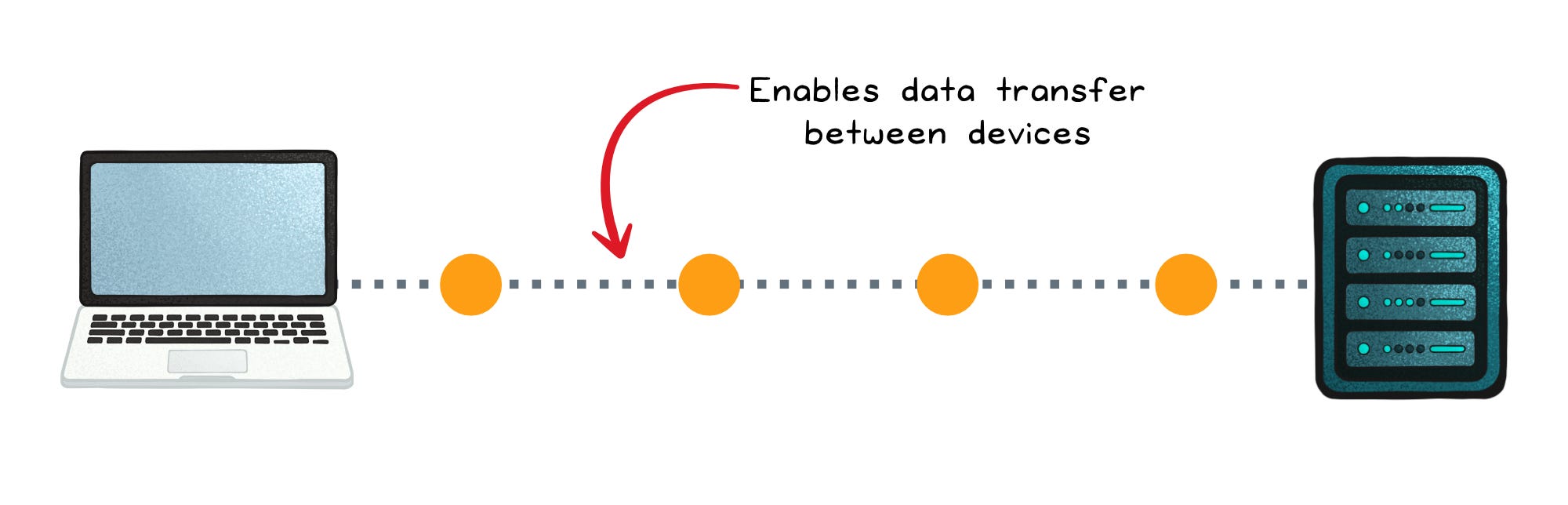
TCP → Transport layer reliability and order
TCP makes networks feel reliable even when they’re not. It handles connection setup, retransmissions, flow control, congestion management, and ordering. If a packet gets lost, TCP repeats it. If packets arrive out of sequence, TCP rearranges them.
Most of the web still uses TCP under the hood: HTTPS, APIs, database connections, and email all depend on TCP’s guarantees.
UDP → Transport layer speed and simplicity
UDP strips out everything except the essentials: ports, length, and checksum. There’s no handshake, no retransmission, and no ordering. If a packet drops, the application decides whether to care.
When you’re in a Zoom call or a multiplayer game, you’d rather skip a single frame than pause the entire session waiting for recovery. UDP enables that.
When something breaks here:
If connections hang on “SYN sent,” firewalls or rate limits may be blocking TCP handshakes.
If applications feel slow despite low CPU, excessive TCP retransmissions may indicate packet loss or congestion.
If video or audio stutters over UDP, the network may be too lossy for real-time traffic; and since UDP won’t retry, the glitch shows up immediately.
If long-lived TCP sessions drop unpredictably, Network Address Translation (NAT) timeouts or load balancers may be silently killing idle connections.
Transport issues often feel subtle: partial loads, long pauses, “sometimes it works” behavior.
4. Securing and speaking meaningfully → Session/presentation & application layers
The transport layer moves bytes. Higher layers give those bytes structure, meaning, and security.
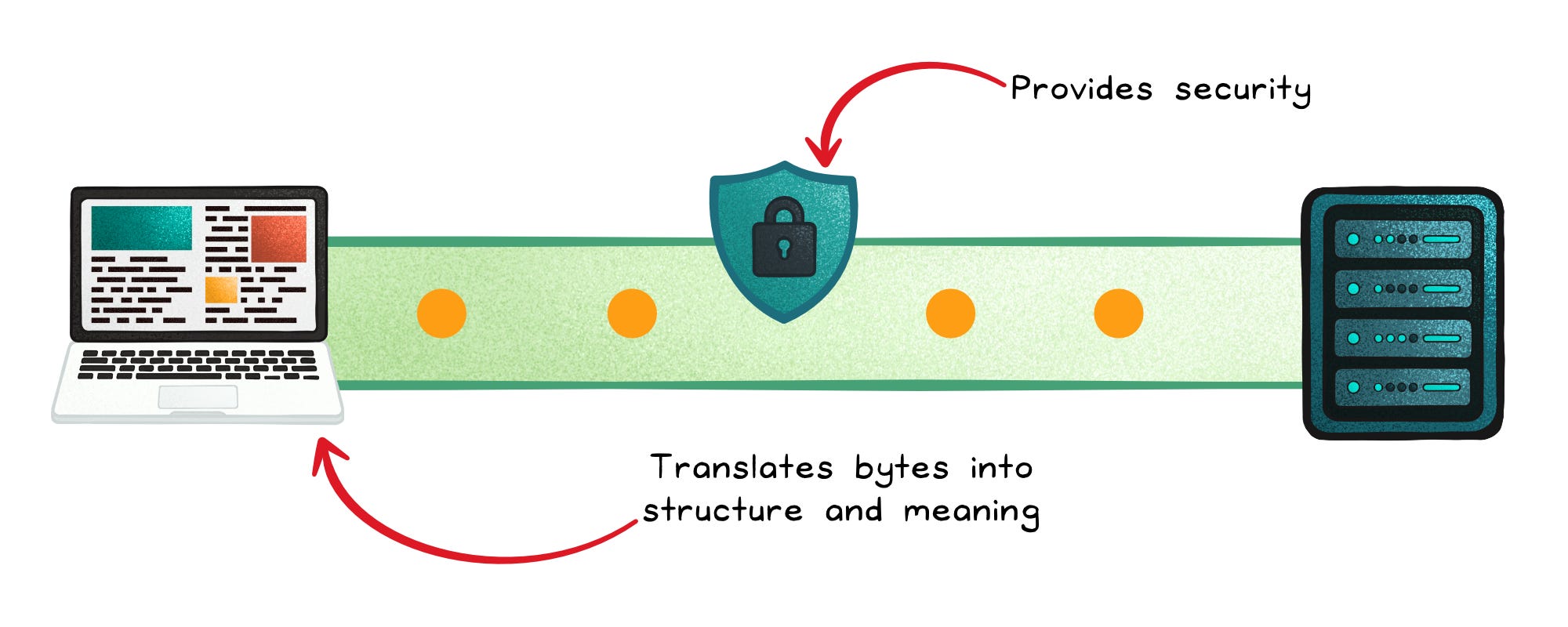
TLS → Session/presentation layer security
TLS encrypts the connection between two endpoints. It prevents snooping, tampering, and impersonation. Almost every meaningful web interaction now runs through TLS.
HTTP → Application layer communication
HTTP defines verbs (GET, POST), headers, caching rules, content types, and status codes that let browsers and servers communicate clearly. It is the backbone of everything from websites to REST APIs.
HTTPS → Application layer secure web communication
HTTPS is HTTP delivered through a TLS-encrypted channel. It protects requests and responses from interception or tampering and verifies the server’s identity. Modern browsers and APIs use HTTPS by default to ensure secure, trustworthy communication over the internet.
HTTP/3 + QUIC → Application layer over a modern transport
QUIC redesigns transport semantics on top of UDP. It implements its own encryption (TLS integrated), reliability, congestion control, and multiplexing; without inheriting TCP’s head-of-line blocking.
HTTP/3 sits atop QUIC and benefits from:
Faster connection setup
Independent streams
Better behavior in lossy mobile networks
Seamless migration when you switch Wi-Fi networks
FTP → Application layer file transfer
FTP enables basic file uploads and downloads using separate control and data channels. Because it sends credentials and data in plaintext, it’s now mostly replaced by secure options like FTPS or SFTP.
FTPS → Application layer secure file transfer
FTPS adds TLS encryption to traditional FTP, securing credentials and file contents while keeping the same command and data channel structure.
When something breaks here:
If browsers warn about certificate errors, the TLS handshake is failing; often due to expired certificates, incorrect system clocks, or mismatched hostnames.
If an API returns inconsistent data or unexpected codes, the issue is usually HTTP semantics, not the transport.
If a connection falls back from HTTP/3 to HTTP/2, middleboxes may be blocking QUIC traffic or UDP entirely.
If only certain pages break, expect HTTP caching, header size issues, or content negotiation problems rather than lower-layer failures.
Session and application issues tend to be precise: specific URLs fail, certain clients break, or behavior differs between environments.
5. Behind-the-scenes coordination → Application layer protocols
Some application-layer protocols don’t fetch webpages; they orchestrate backend behavior.
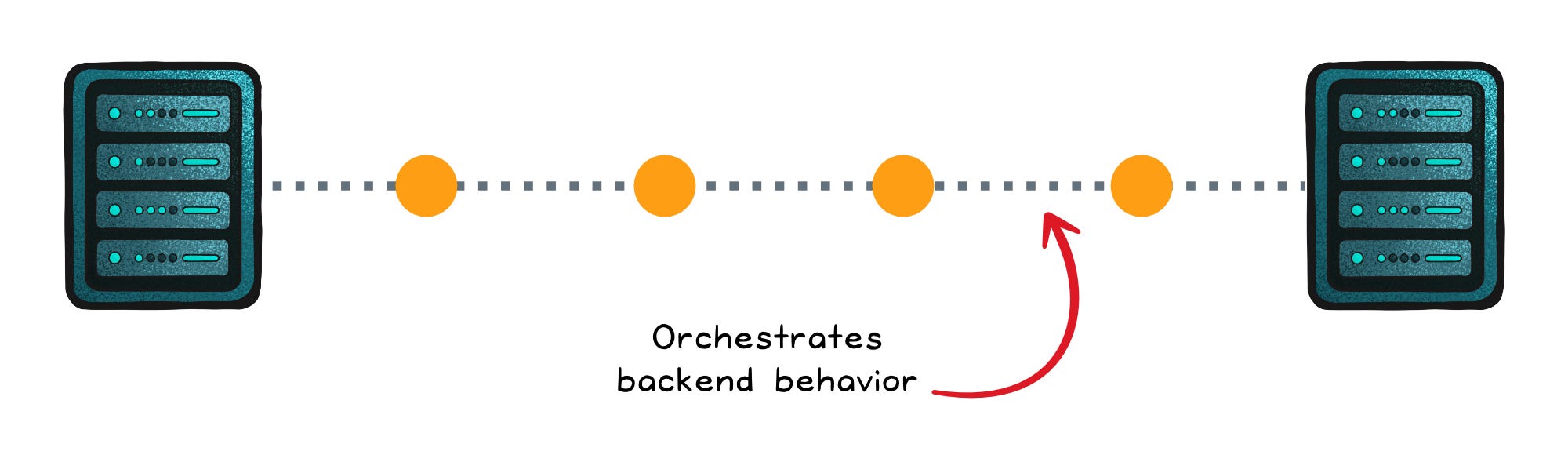
gRPC → High-performance service-to-service communication
gRPC lets microservices communicate as if they were calling native functions. It uses HTTP/2 or HTTP/3 streams and compact Protocol Buffers to reduce overhead. It’s type-safe, efficient, and ideal for modern distributed systems.
SSH → Secure remote administration
SSH provides secure remote login, file transfer, and tunneling. It’s the protocol behind almost every server deployment, debug session, and emergency patch.
When something breaks here:
If gRPC calls fail while HTTP still works, client/server versions may be out of sync or message definitions incompatible.
If SSH hangs on connect, packet filters or intrusion prevention systems may be delaying or dropping the handshake.
If tunnels drop frequently, idle timeouts or NAT expiration are likely silently killing the session.
Issues at this layer often look like internal tooling failures rather than customer-facing outages.
Final thought
Networking feels complicated until you see it as a series of cooperating layers.
Each one has a narrow responsibility. Each one hands a problem to the next. And once you learn to read those boundaries, the internet becomes less magical and more mechanical; in the best possible way.
Because now, the next time someone says “The website is down,” you won’t guess. You’ll walk the layers, protocol by protocol, until the real culprit reveals itself.
👋 If you liked this post → Like + Restack + Share to help others learn system design.
Subscribe to get high-signal, clear, and visual system design breakdowns straight to your inbox:
Very informative.